
UX + Hardware · Emily Carr · 2026
Smart Rewards for
Better Training
A treat-dispensing device and companion app
designed for real-world dog training.
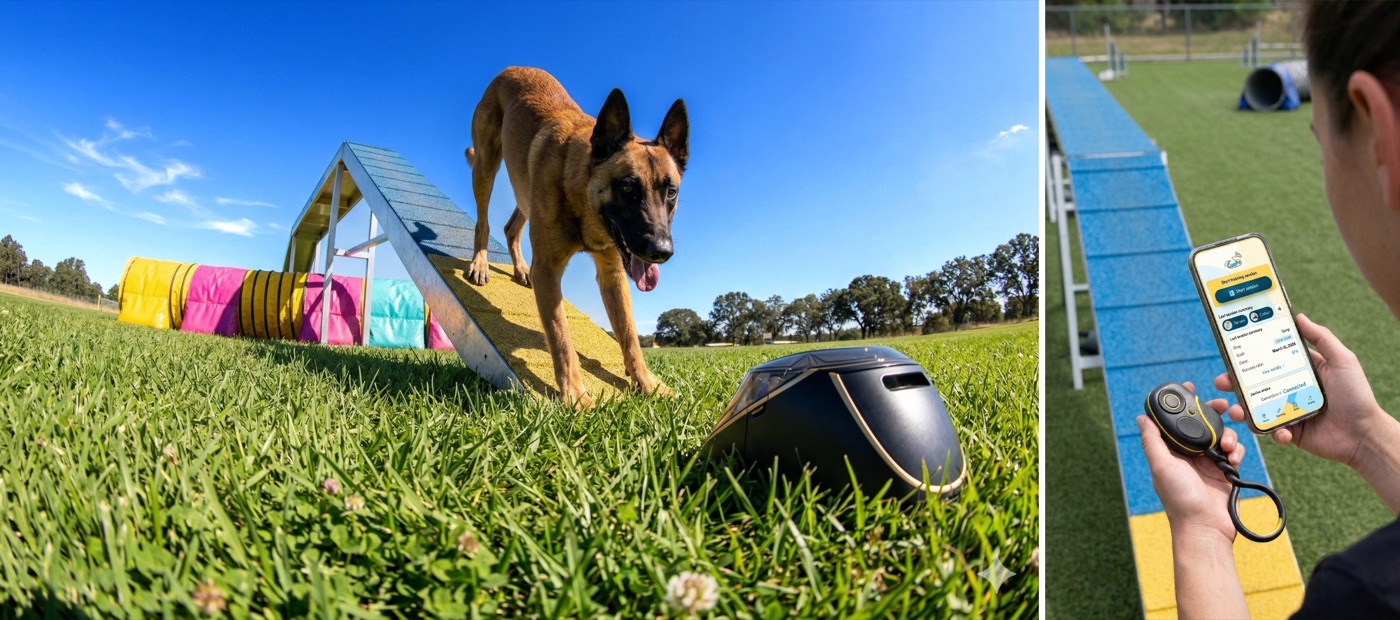
01 / Problem
A Community Failing its Trainers
Many dog trainers depend on remote reward-based training tools, yet existing options are outdated, costly, and disappearing from the market. The go-to device has been the same for over a decade with zero meaningful innovation and it's increasingly hard to source outside the US.
These limitations undermine effective, science-based training in real-world environments and are creating a growing gap in the professional dog-training and dog-sports market.
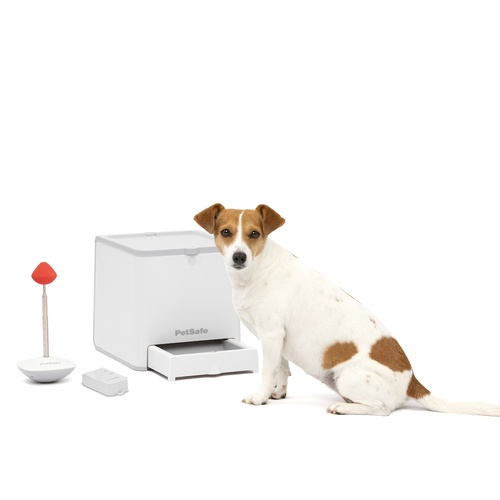
Current market option, the status quo with no improvements
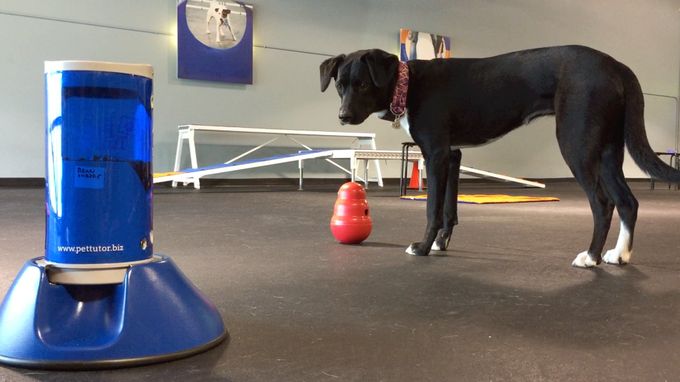
Existing alternative, the design has more errors than before
Jams Mid-Session
Discs clog at the worst possible moment breaking the dog's focus and the training loop entirely.
D-Cell Only
No rechargeable option. Running out of batteries mid-competition is a real, recurring problem.
No Data Tracking
Trainers logging progress on paper or from memory. No session data, no success rates, no trends.
Bulky & Toppable
High centre of mass and small base means dogs can knock it over constantly during active sessions.
The real-world context every hardware decision was designed around
02 / Research
What We Heard
We surveyed active dog sport trainers and conducted competitive analysis across Treat & Train, Furbo, and other generic alternatives. The frustration was immediate and unanimous.
"“I actually own 5 or 6 of them so I can swap to a working one mid session when the one I’m using jams. It’s not uncommon to use 3 of them in one day.”"
— Active Dog Sport Trainer, Survey Respondent
Evidence collected from a survey of active trainers confirmed that 76% named jamming as their #1 issue. Limited treat compatibility, no app integration, and poor stability rounded out the top frustrations.
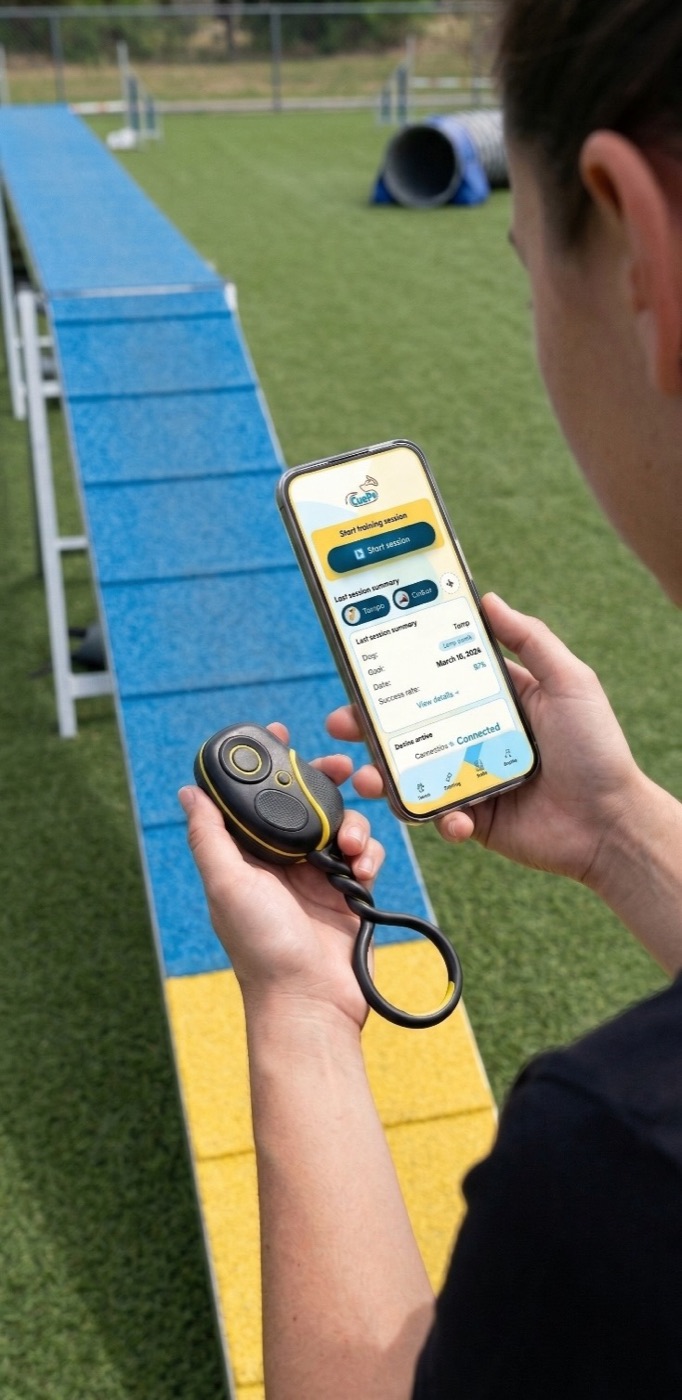
Form factor and scale it's designed to sit comfortably in a training environment
03 / Personas
Who We Designed For
Two distinct user types emerged from research, with different needs but the same core frustration.
Sam
Professional Trainer
- Runs 8+ training sessions daily
- Competes in agility & nosework
- Needs reliable single-treat delivery
- Wants cross-dog session tracking
- Frustrated by mid-session jams
"I need a device that just works, every single rep."
Alex
Weekend Warrior
- Trains 2–3 times per week at home
- Focuses on obedience and tricks
- Wants easy setup with no fuss
- Tracks progress casually
- Values quiet, low-profile device
"Simple, discreet, and doesn't scare the dog."
04 / Research → Design
Every Feature Earned Its Place
Research findings mapped directly to hardware decisions. Nothing was added without a trainer pain point behind it.
| Research Finding | Design Decision |
|---|---|
| 76% cited jamming as #1 issue | Gravity-fed agitator mechanism |
| Limited treat compatibility | Swappable hopper, varied size support |
| Devices easy to topple | Wide base, low centre of mass form factor |
| No session data or tracking | Companion app with session logging |
| D-cell batteries — inconvenient | USB-C rechargeable battery |
05 / My Role
Learning Hardware From Scratch
Starting point: nearly zero hardware experience. I had used an Arduino only once before, with no electronics background — and we needed a BLE servo dispenser built quickly and reliably.
I chose a servo motor (DS3218) over a stepper because it detects and self-corrects positional errors. I resolved an ArduinoBLE + Servo library timer conflict through targeted research, implemented a sweep-and-return cycle (0°→180°→0°) with buzzer feedback, and connected the device via BLE GATT characteristic — tested live with nRF Connect. All wiring was managed with Dupont wire connections, no soldering iron.
I used Claude as an on-demand tutor — for servo behaviour, BLE GATT structure, and timer conflicts — alongside consulting domain experts throughout the process.
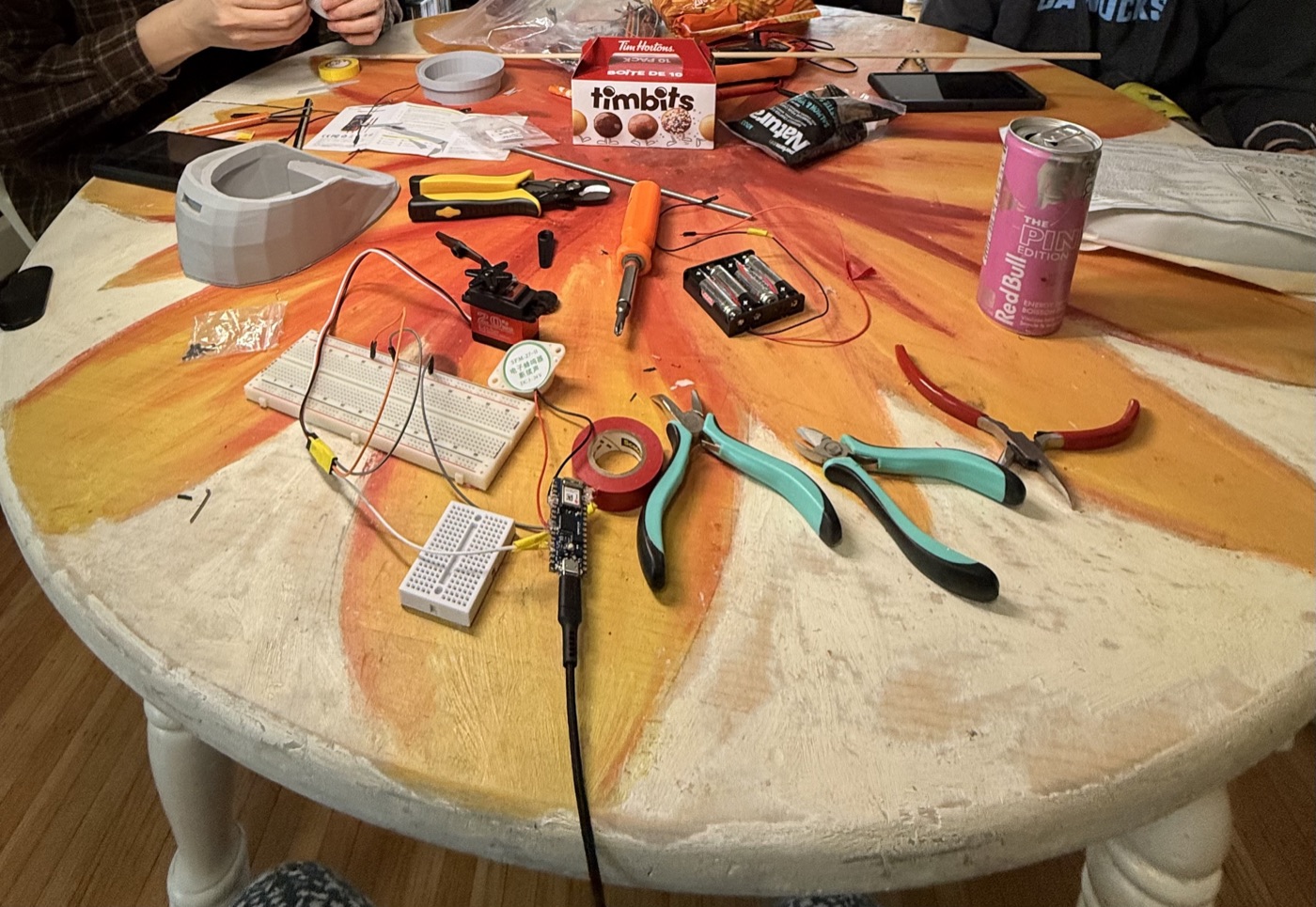
The build process — from schematic to wired prototype
#include <ArduinoBLE.h>
#include <Servo.h>

// Sweep-and-return: dispenses one treat per call
void sweepAndReturn() {
  Serial.println("Sweep start");
  beep(1, 80);
  myServo.write(180);
  delay(600);   // time to reach 180°
  beep(1, 80);
  myServo.write(0);
  delay(600);   // return to base
  beep(2, 60);
  lastAngle = 0;
  Serial.println("Sweep done");
}

void loop() {
  BLEDevice central = BLE.central();
  if (central) {
    while (central.connected()) {
      if (servoChar.written()) {
        String input = servoChar.value();
        input.trim();
        if (input == "sweep") sweepAndReturn();
      }
    }
  }
}
Final Arduino BLE code — servo + buzzer feedback loop
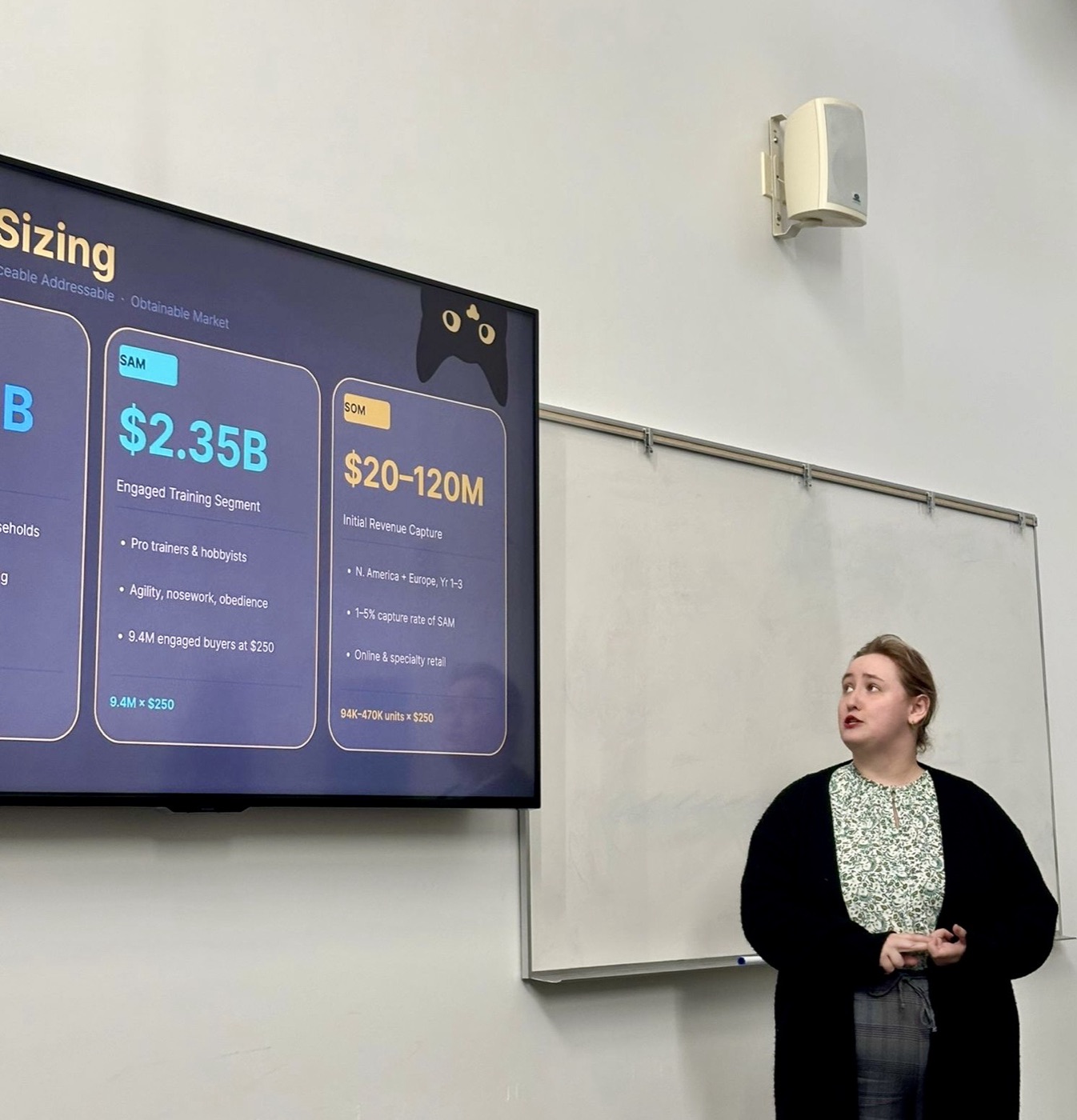
Presenting CuePo — the final pitch
06 / Prototype
Cardboard to Working Device
We moved fast from a rough cardboard prototype proving the mechanism, through foam and 3D modeling, to a fully wired Arduino prototype with BLE communication. Here it is actually working.
Working prototype — BLE command triggering the servo-driven agitator via nRF Connect
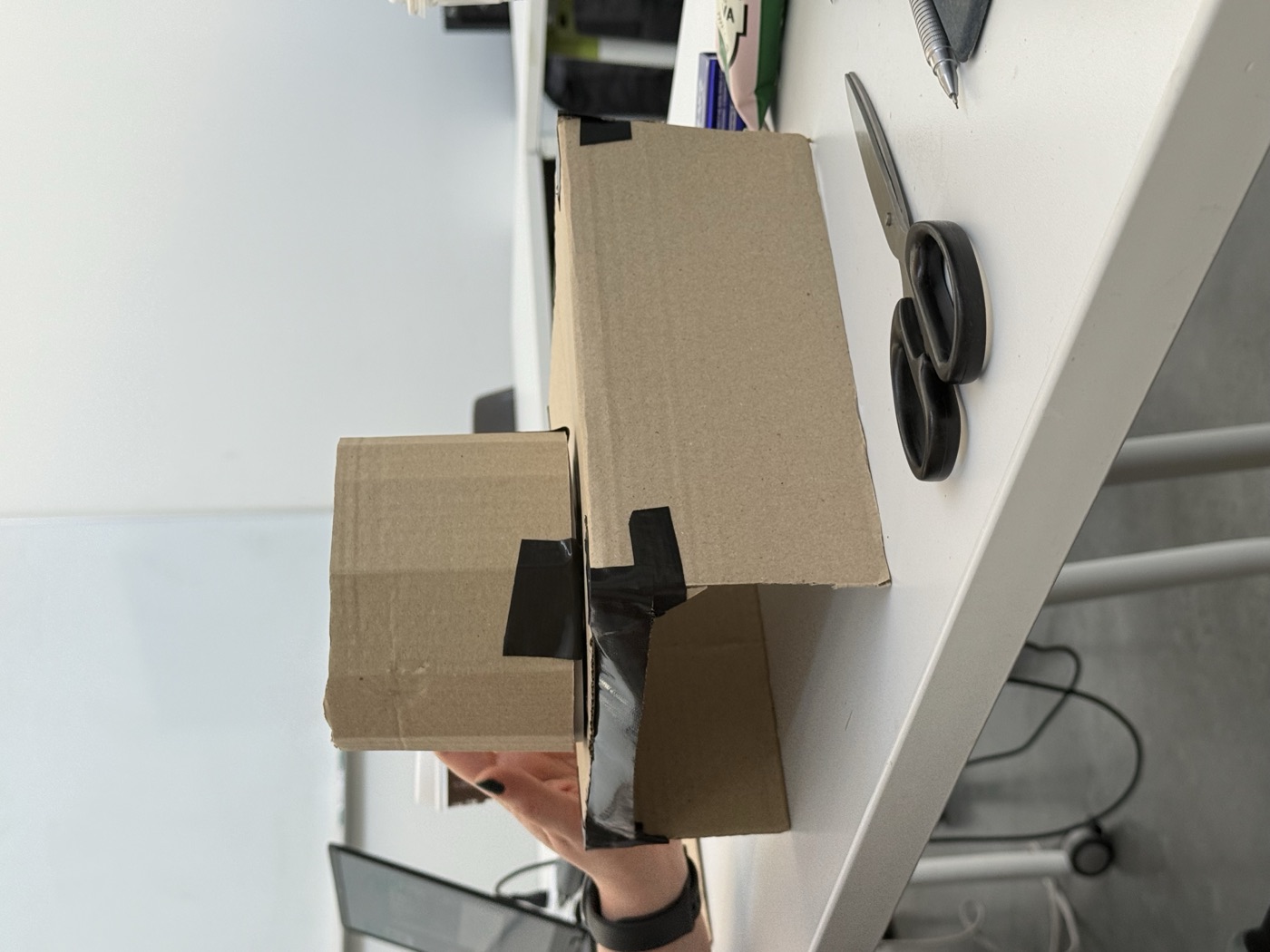
Cardboard v1: proving the mechanism
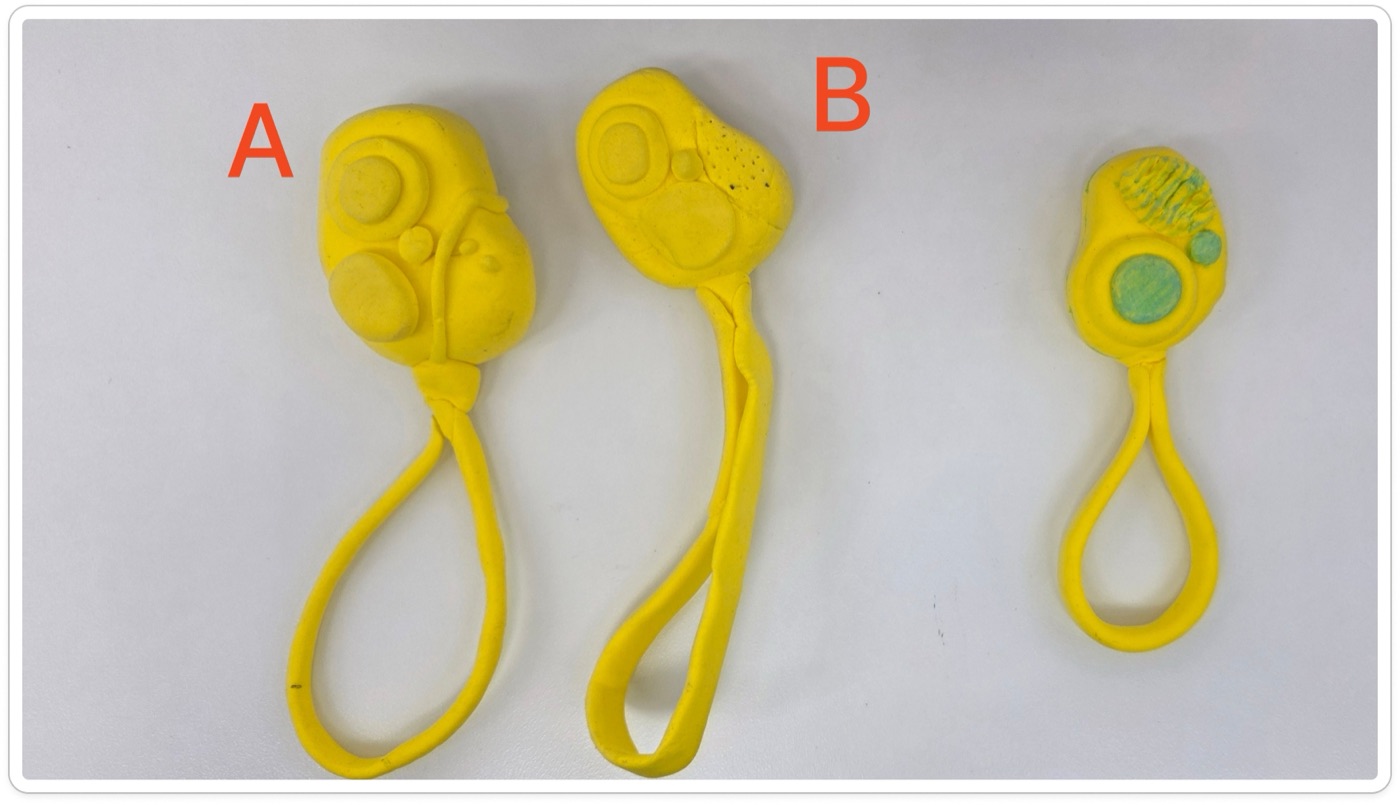
Foam remote prototype: form and ergonomics
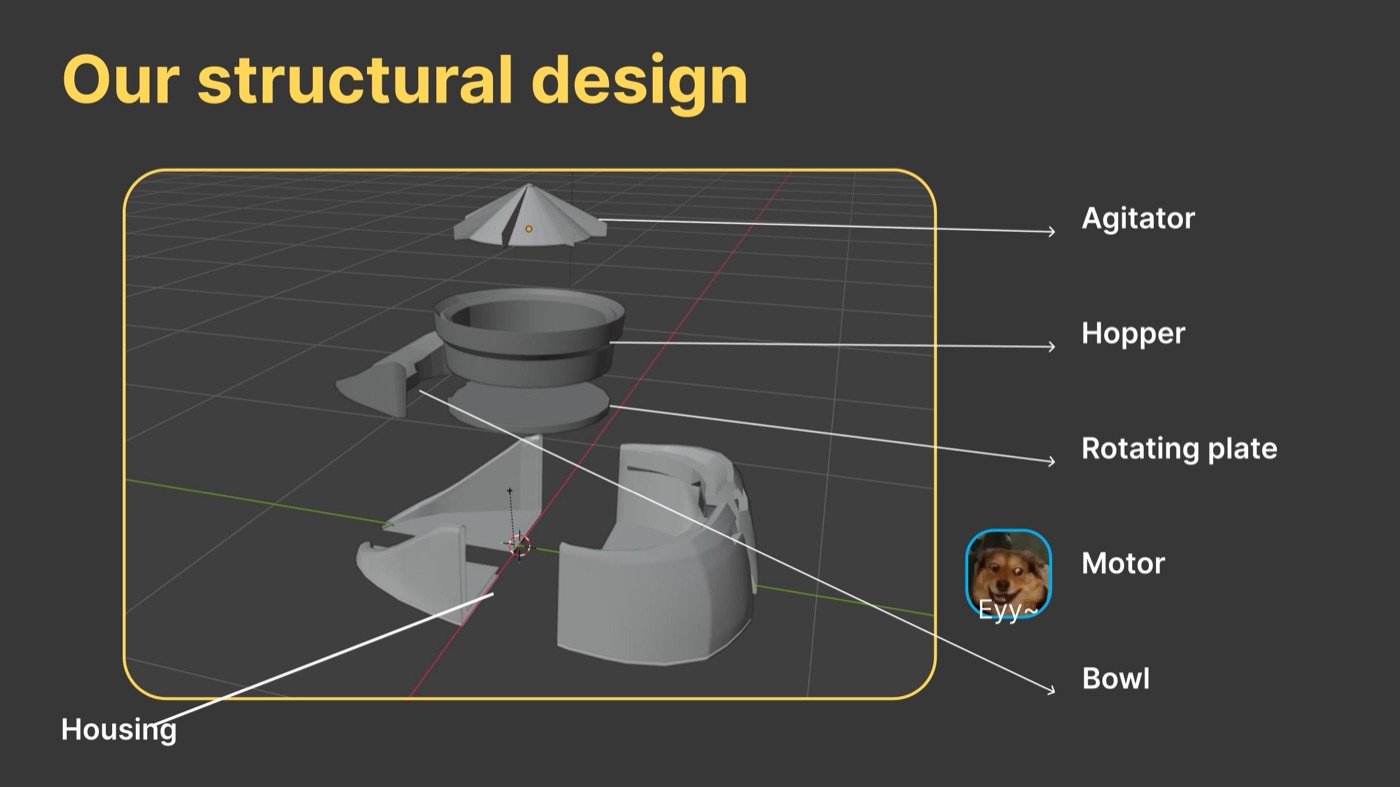
Components — servo, BLE module, buzzer
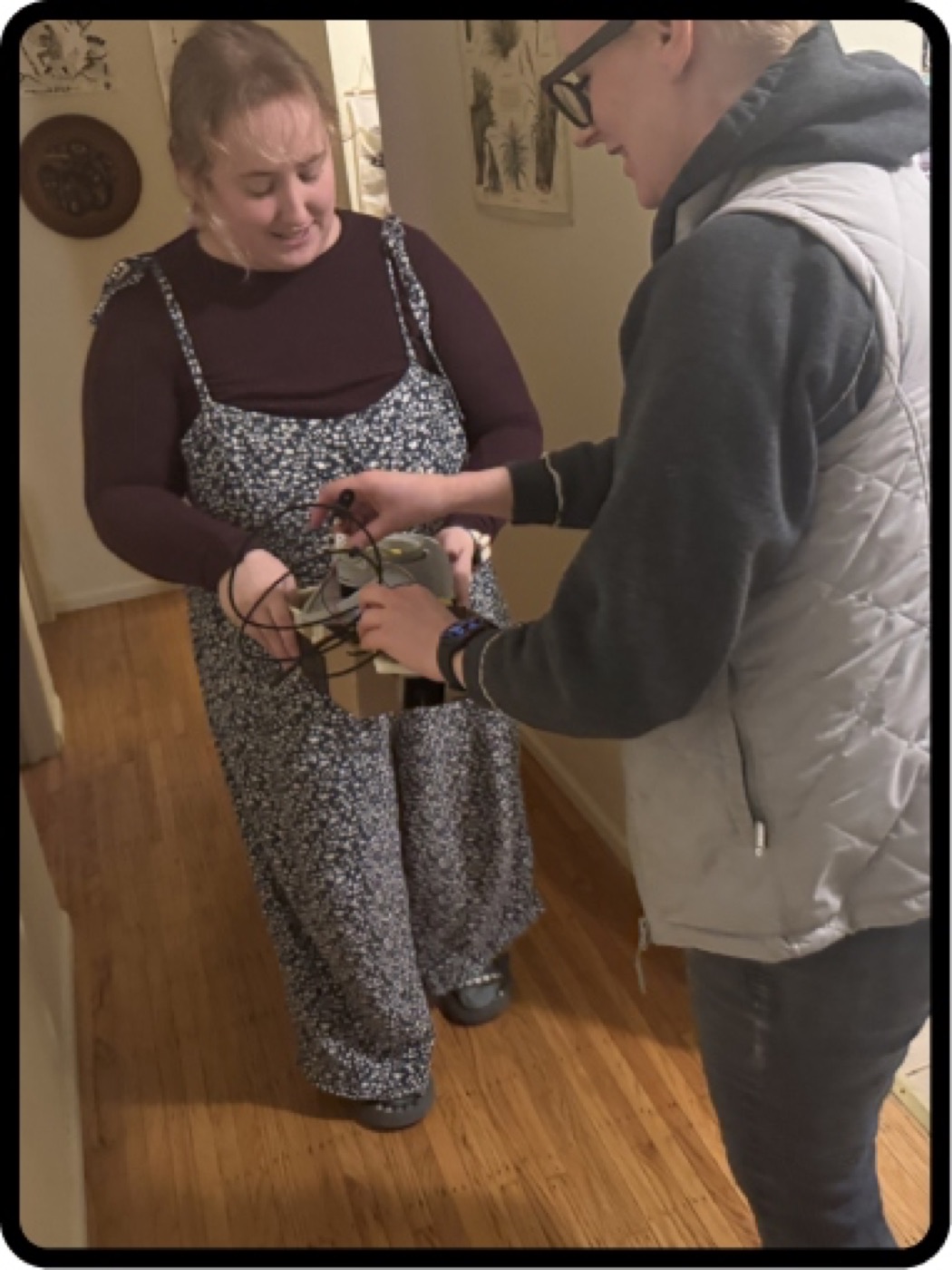
Very careful transportation
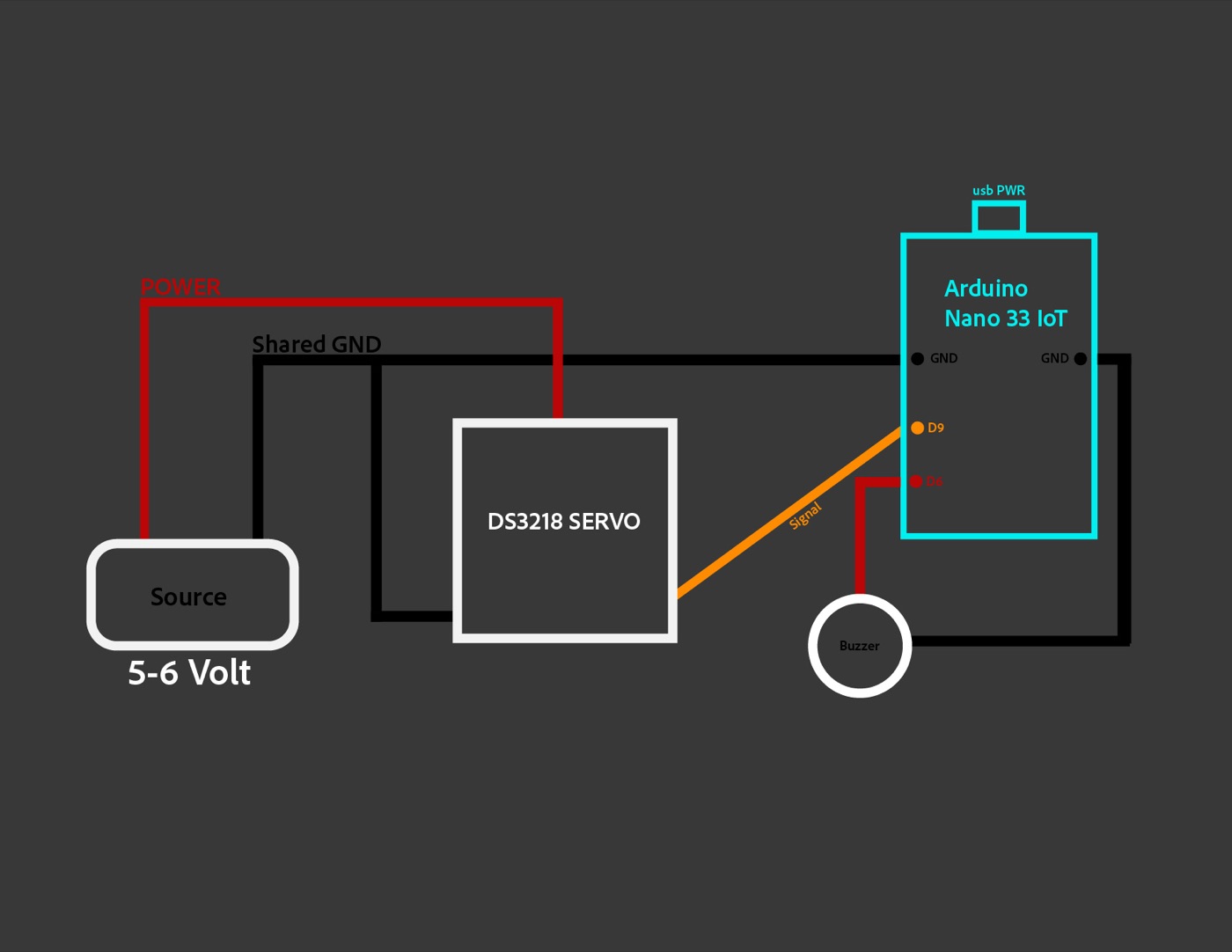
Wiring diagram: Arduino Nano 33 BLE · servo (DS3218) · buzzer · Dupont connections
Agitator Viable
Gravity-fed + rotary fin mechanism dispensed treats reliably in testing.
BLE Works
Arduino paired and received commands via nRF Connect. Servo responded correctly.
Single-Treat Delivery
Sweep-and-return cycle dispensed one treat per activation, consistently.
07 / App Prototype
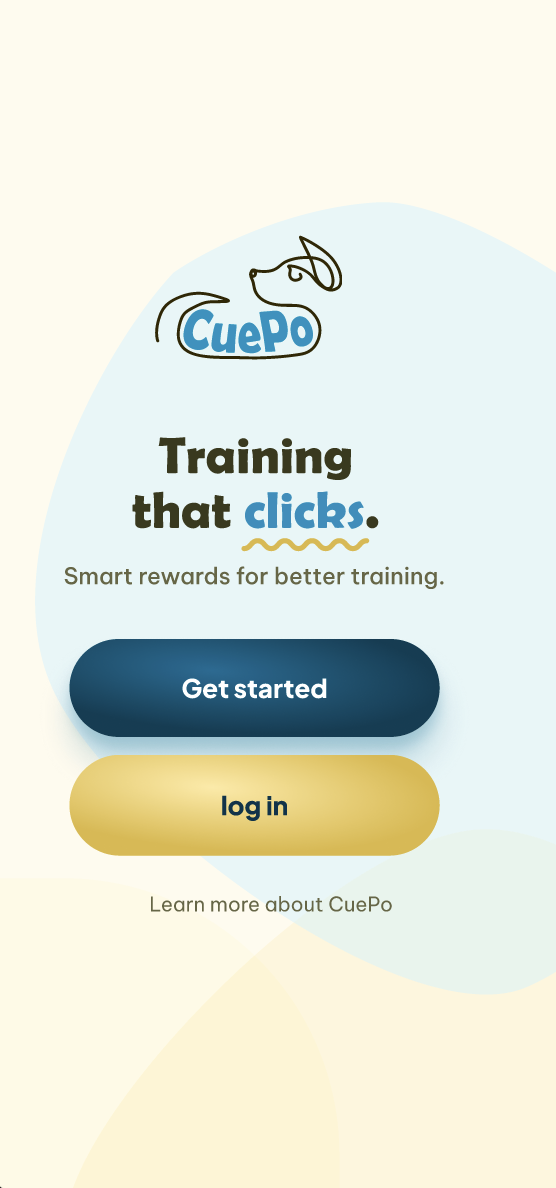
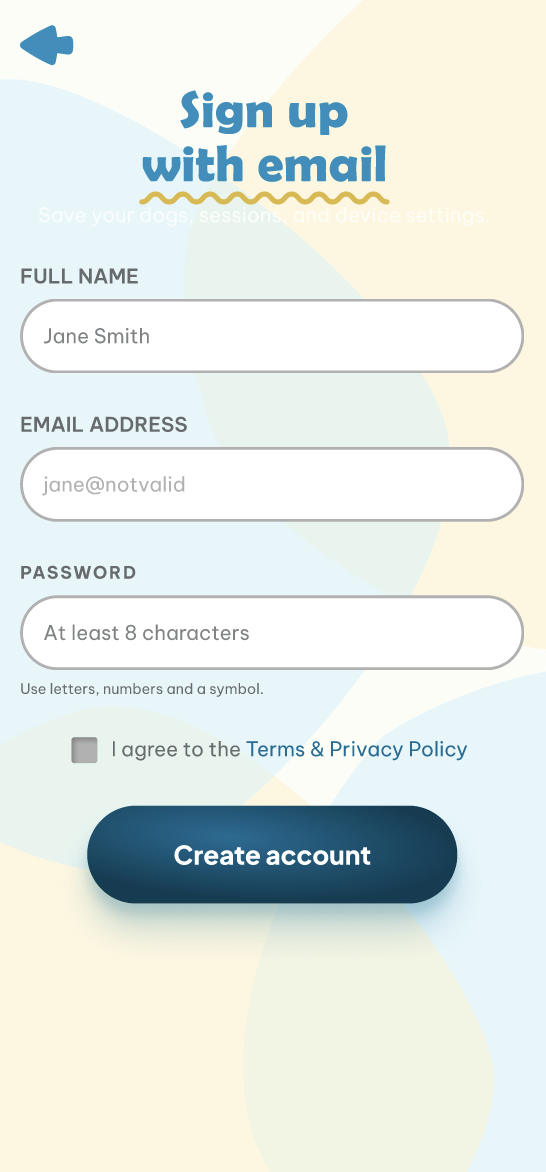
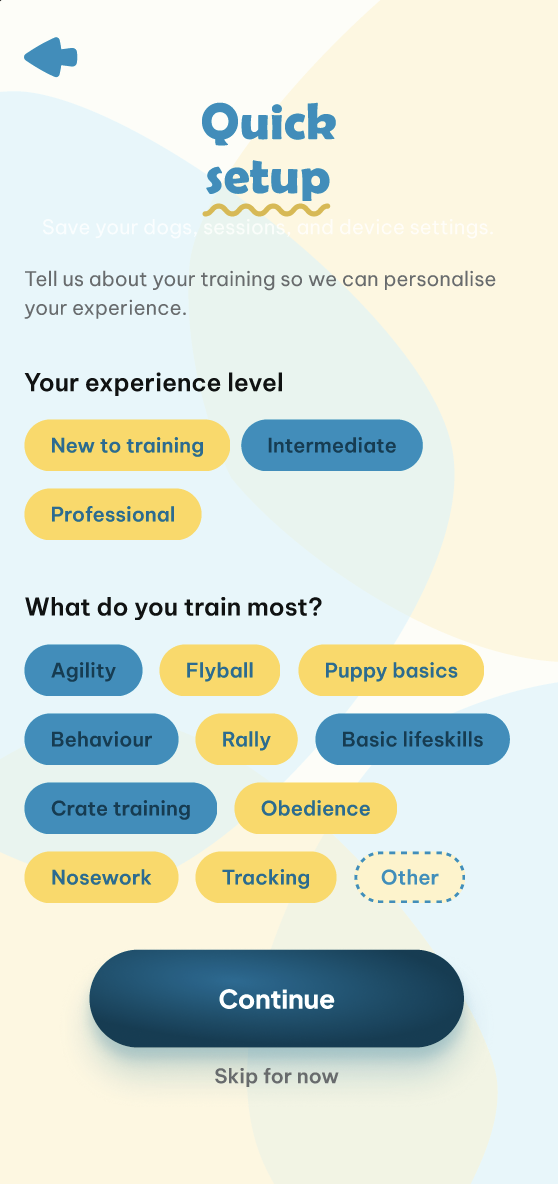
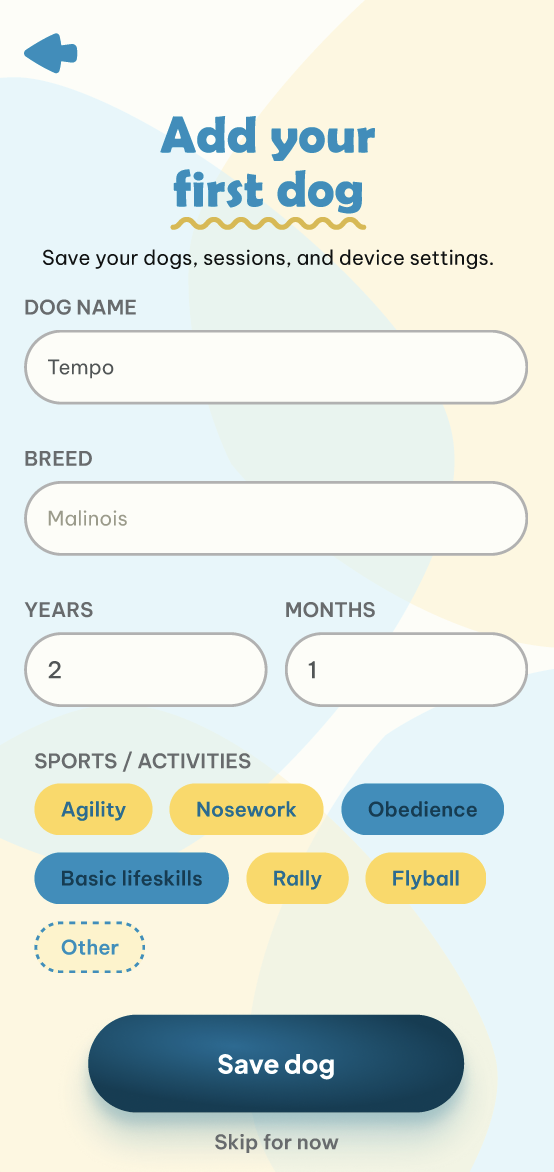
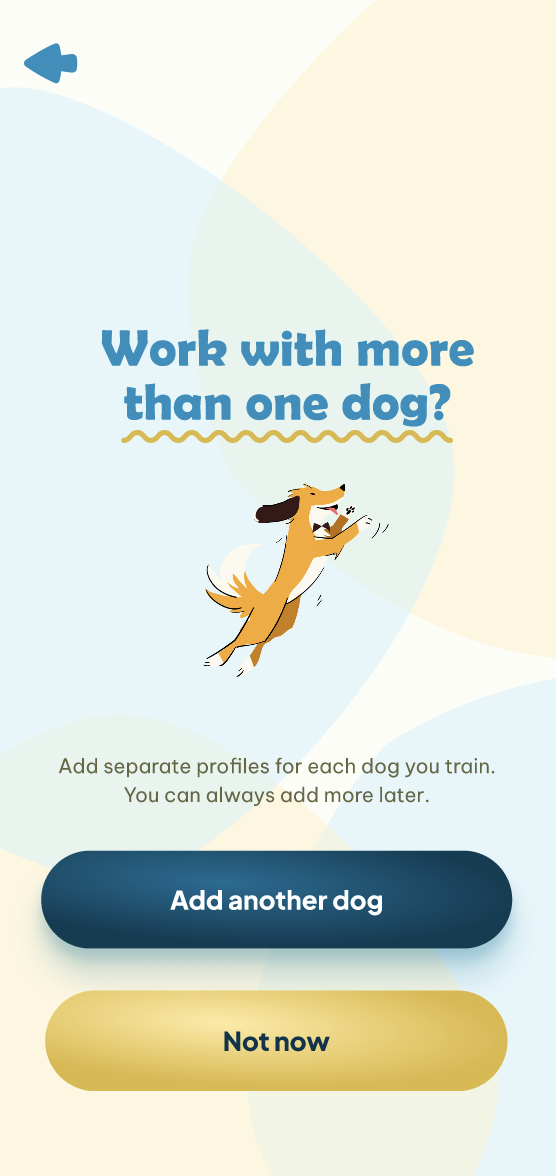
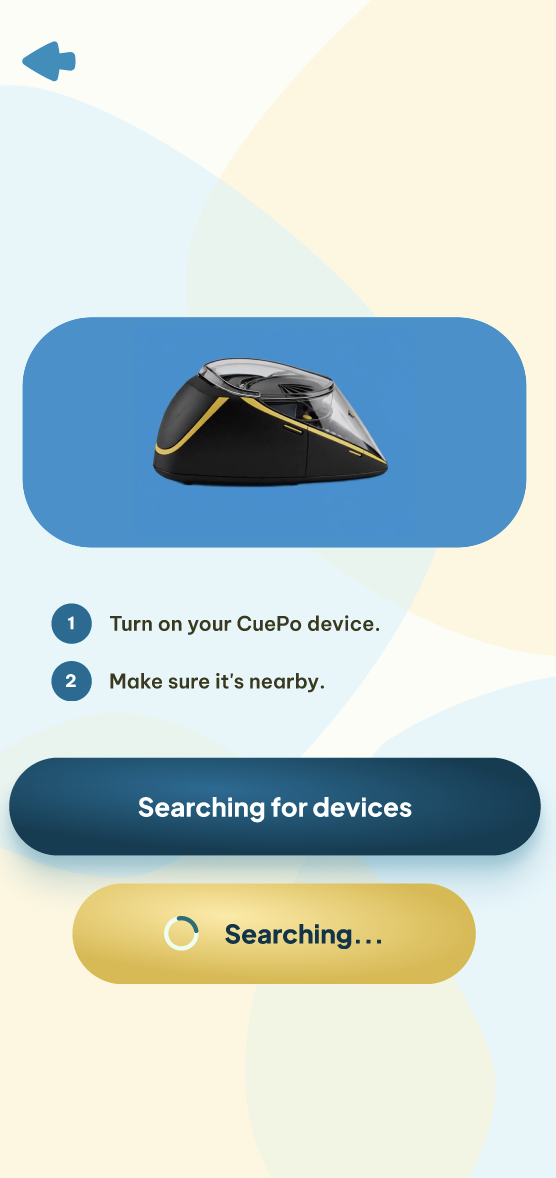
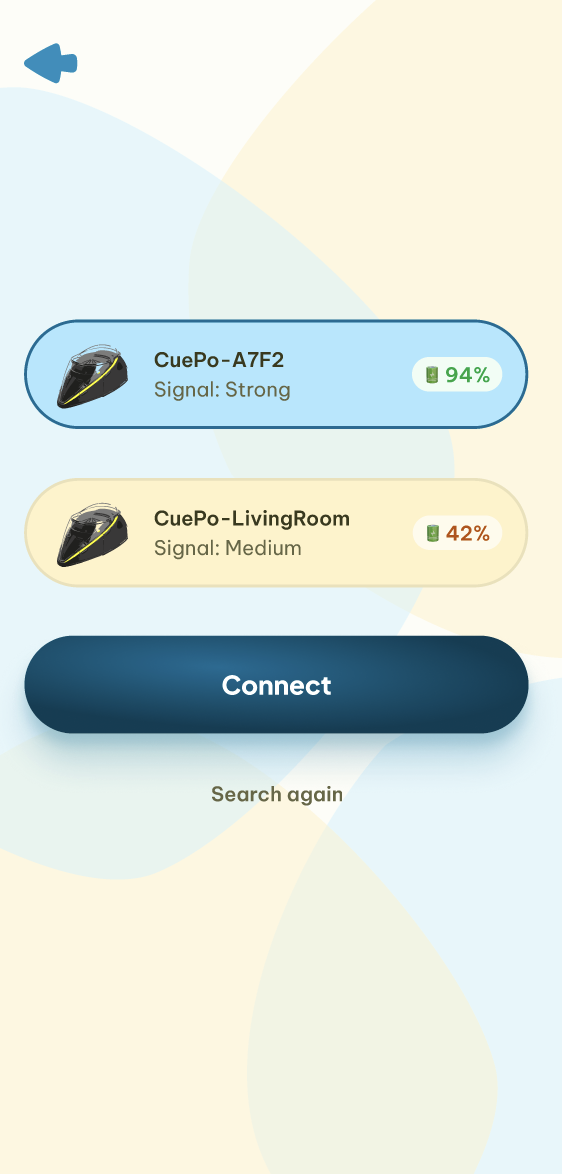
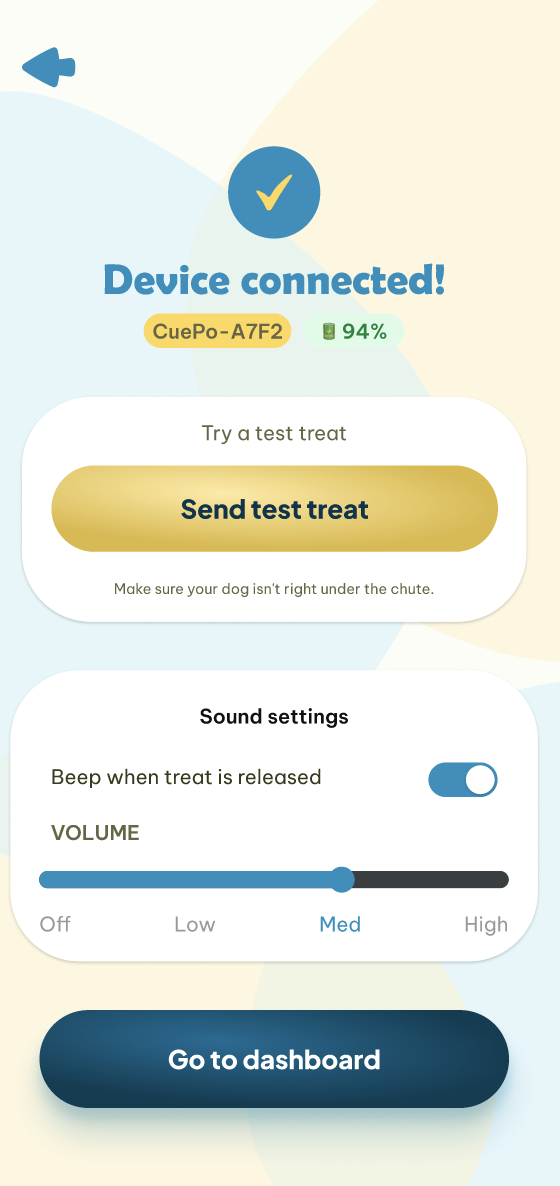
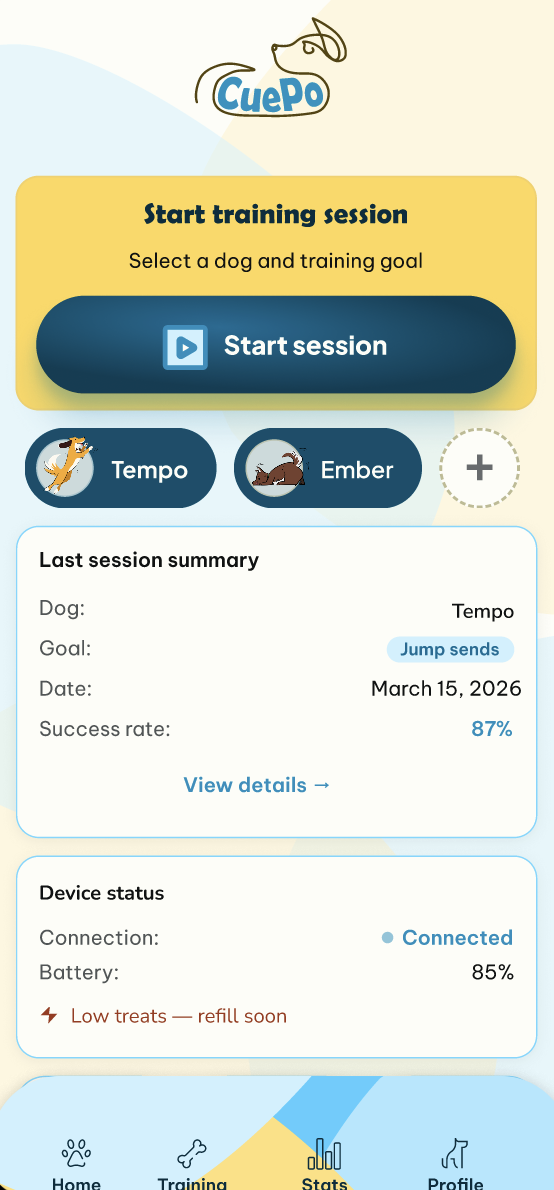
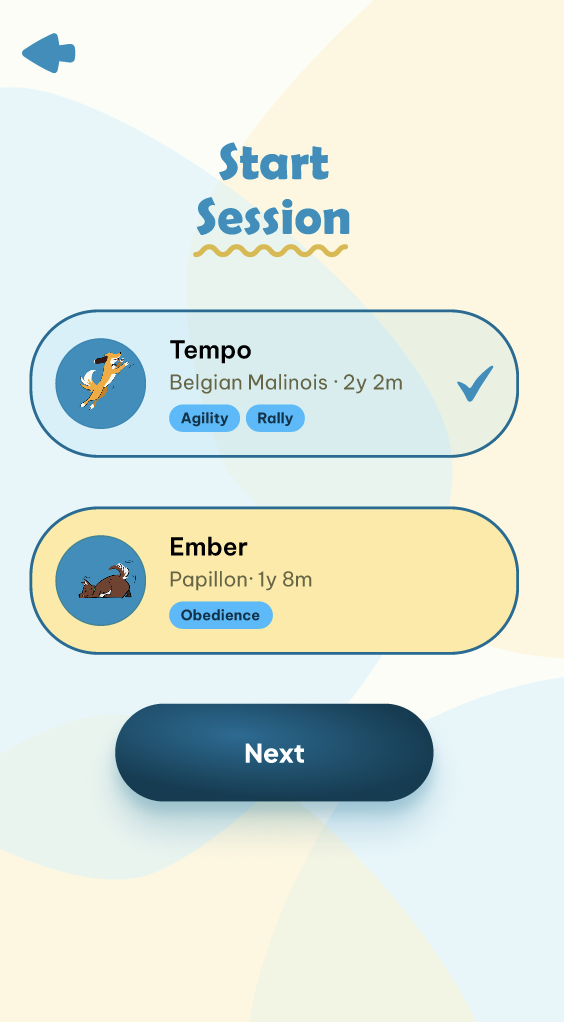
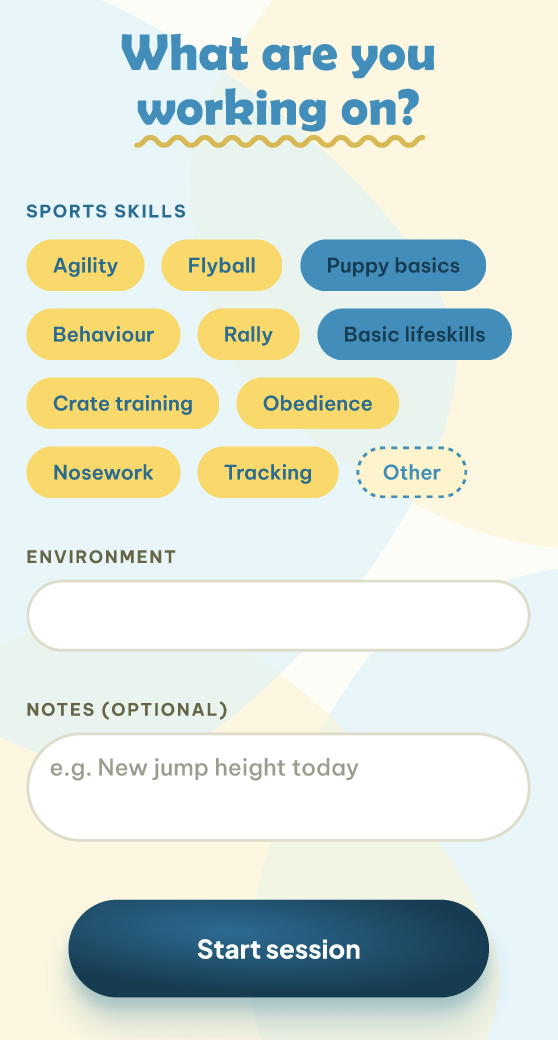
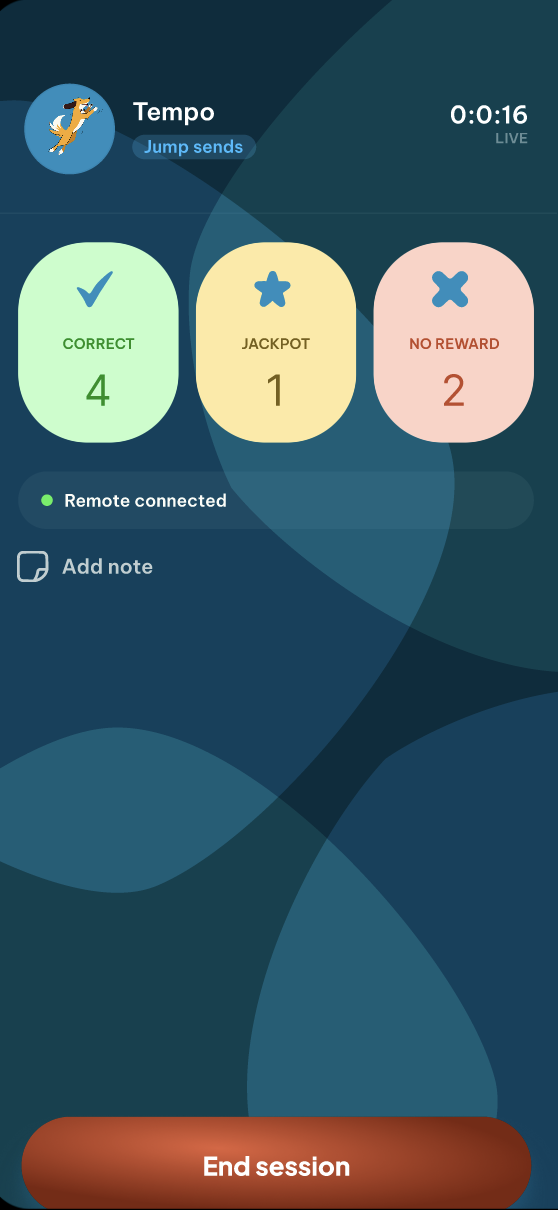
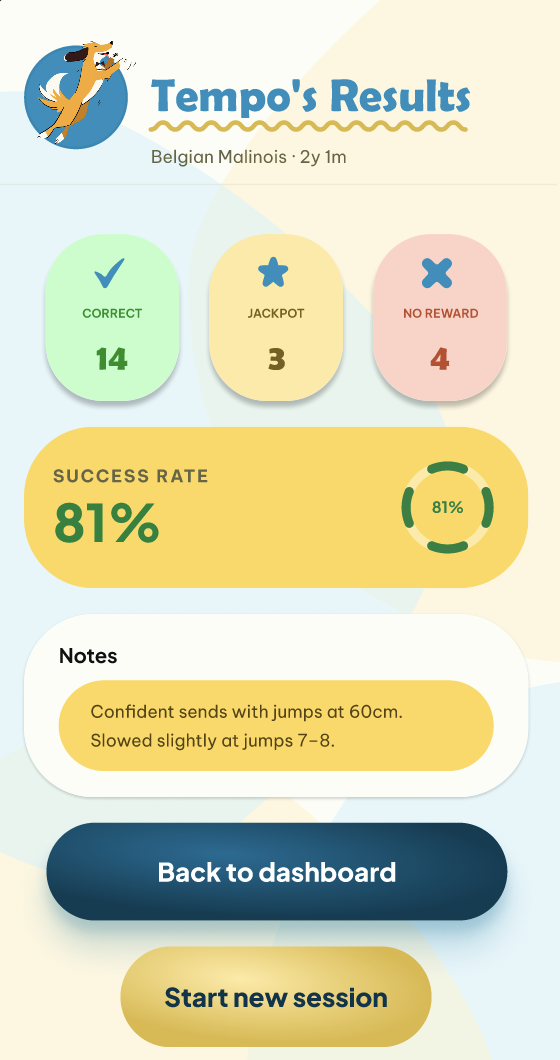
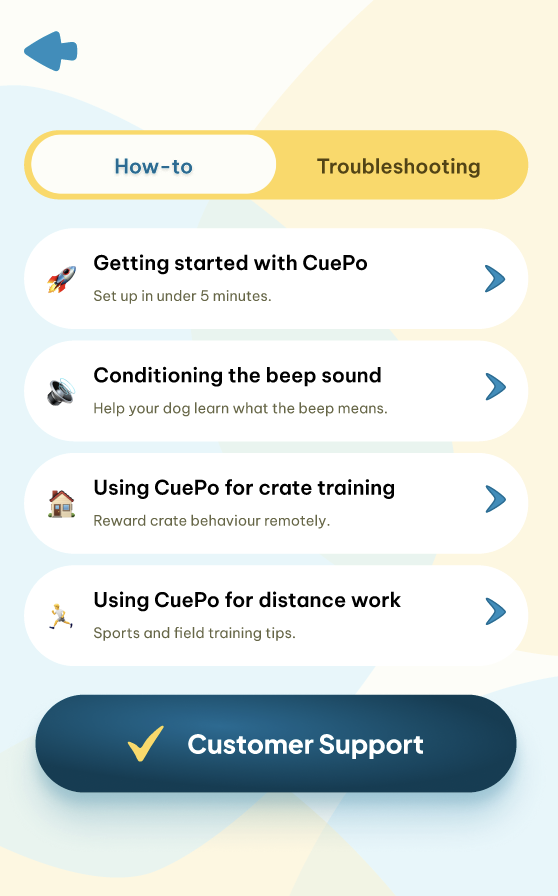
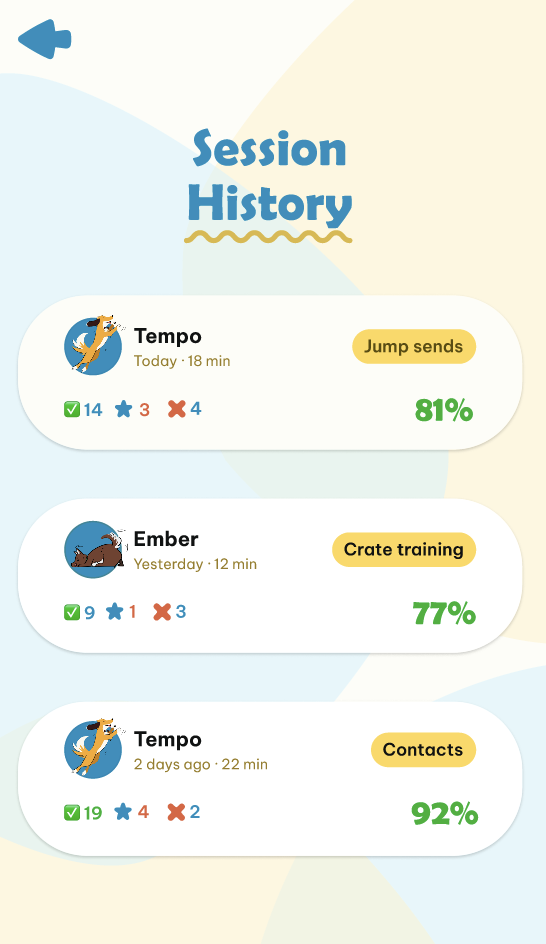
The Companion App
Three core flows designed in Figma — onboarding, live training session, and the dashboard. The app turns raw button presses into meaningful training data.
08 / Solution
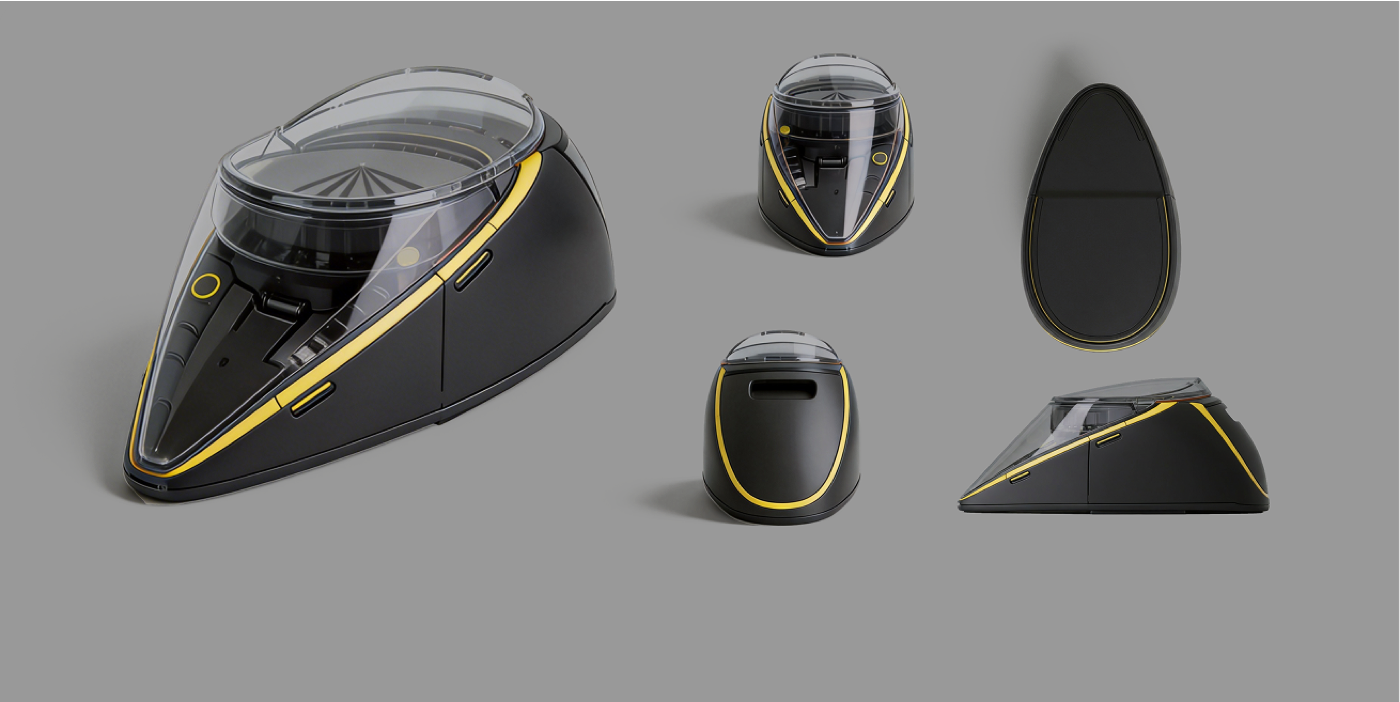
The CuePo
Smart rewards for better training. Every hardware decision traces back to a real trainer pain point.
Gravity-Fed Agitator
Eliminates jamming — the #1 trainer complaint. Works with varied treat sizes.
Swappable Hopper
Large opening on top — pour treats in, no fuss. Swap between sessions.
Removable Bowl
Wipes clean between sessions. Easy to swap for different dogs.
USB-C Rechargeable
No more D-cell batteries dying mid-competition.
Wide-Base Form Factor
Low centre of mass — dogs can't knock it over during active sessions.
BLE Remote Control
1 click reward, double-click jackpot, long press end session.
$250 CAD
Target Price
$20–120M
Market Opportunity
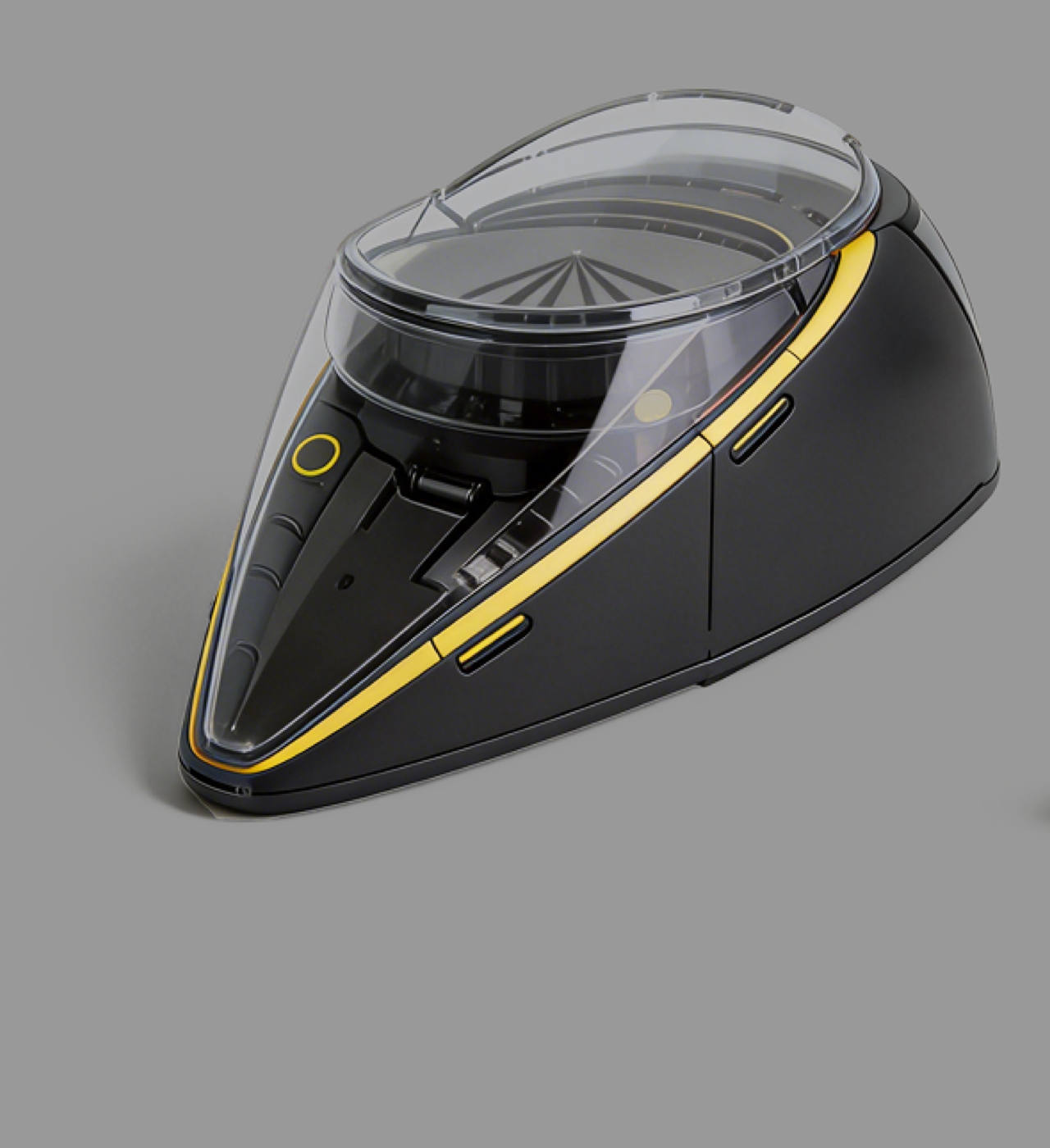
The final product render
09 / Reflection
What I Learned, What's Next
Most Proud Of
Getting a BLE-connected, servo-driven dispenser working with zero prior hardware experience — through resourceful, self-directed learning. The proof-of-concept works.
Do Differently
Earlier user testing on the physical prototype. A soldering iron would have eliminated most wiring reliability issues. Using a multimeter earlier on would have helped significantly.
What's Next
3D print a full-size working prototype. Connect the app to live session data from the device. Put it in trainers' hands and observe real sessions.